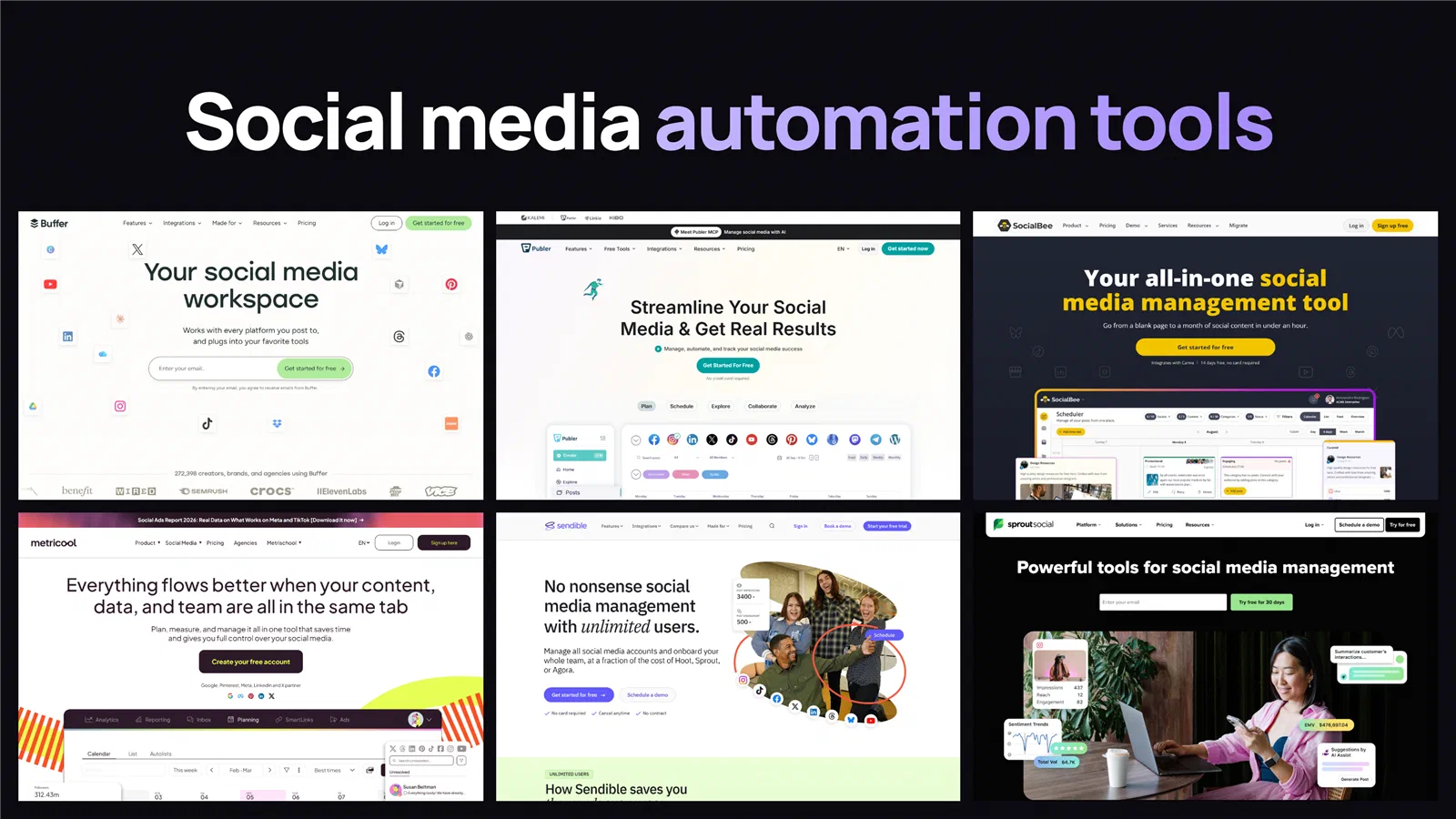
Almost every social media automation tool promises the same basic features on its website. You get a visual content calendar, an AI tool to help write captions, suggestions for the best time to post, and analytics reports. The real differences only become clear when you look at how each tool charges you, how well it supports platforms like X and LinkedIn, and whether it can automatically reuse your best posts instead of publishing them just once. To make this comparison practical and easy to follow, we use a fixed example setup throughout the article: 3 social media accounts managed by a social media team of 3 members who draft, approve, and schedule posts together (and we also show how costs change when you scale up to 8 accounts across different platforms). Depending on which tool you choose, running a 3-person team on a monthly plan can cost anywhere from $17 to $37 a month on Publer, $36 to $96 on Buffer, or up to $1,197 on Sprout Social.
In short
- Compare tools using a realistic team setup. Managing up to 8 social media accounts (including 3 LinkedIn profiles and 1 X account) with a team of 3 people costs anywhere between $37 and $1,197 a month across these 10 tools.
- Check what is included in a plan before comparing base prices. Different tools charge based on the number of channels, social profiles, team members (seats), or other account limits, so the advertised starting price rarely tells the full story.
- Publer ($37 to $63), SocialBee ($69), and Sendible ($70) are the most affordable options for this setup on monthly billing, and all three include X publishing at no extra cost.
- Connecting X (Twitter) and multiple LinkedIn profiles often increases the price. Metricool ($10), Vista Social ($29), and Agorapulse ($29 to $69) charge an extra monthly fee for each X account, Later stopped supporting X in August 2025, and connecting 3 LinkedIn profiles uses up 3 separate “brands” on Metricool and Later.
- Tools that charge per user get expensive quickly for teams. Once 3 team members need their own logins, the monthly cost rises to $476 on Agorapulse, $597 to $1,197 on Hootsuite, and $1,197 on Sprout Social.
The 10 tools at a glance #
All prices below are taken directly from each company’s official pricing page as of 29 September 2026, based on standard month-to-month billing without an annual contract. To give you a clear comparison across every platform, the third column shows what it actually costs a 3-person team (with post approval features) to manage up to 8 social media accounts across major networks (a LinkedIn company page, 2 personal LinkedIn profiles, X, Instagram, YouTube, TikTok, and Bluesky or Threads).
| Tool | Starts at | 8 accounts, 3 users, monthly | How the plan charges | X (Twitter) | Evergreen recycling |
|---|---|---|---|---|---|
| Publer | Free, then $5 | $37 (Pro) or $63 (Business) | Per channel + $2 per extra user | Included | On Business |
| SocialBee | $29 | $69 | Profile pool + $10 per extra user | Included | Yes, category queues |
| Sendible | $35 | $70 (2 Core) or $99 (Plus) | Workspaces and profile pool, unlimited users | Publishing only | Yes |
| Metricool | Free, then $25 | $77 ($67 plan + $10 X) | Brands (1 account per network) | $10/mo add-on | Yes, Autolists |
| Buffer | Free, then $6/ch | $96 (8 x $12 Team) | Per channel, unlimited users on Team | Included | No |
| Later | $25 | $70 to $110, no X | Social Sets (1 account per network) + users | Dropped Aug 2025 | No |
| Vista Social | $99 | $228 ($199 plan + $29 X) | Tier bundle of profiles and users | $29/mo add-on | Yes |
| Agorapulse | $99/user | $476 ($447 seats + $29 X Lite) | Per user seat (10 profiles shared) | $29 or $69/mo add-on | Yes |
| Hootsuite | $199/user | $597 (Standard) or $1,197 (Advanced) | Per user seat | Included | No |
| Sprout Social | $249/seat | $1,197 (3 x $399 Professional) | Per user seat | Included | ViralPost queue |
Understanding the pricing of social media tools #
The starting price you see on a pricing page is rarely the amount you end up paying. That is because these 10 tools calculate their prices in four different ways.
Charging per social channel: Buffer and Publer charge you for each individual social media account you connect. Whether you add a company LinkedIn page, a personal LinkedIn profile, or a TikTok account, each one counts as a single channel. Buffer charges $6 per channel on its Essentials plan for one user, and $12 per channel on its Team plan, which includes unlimited users. Publer charges a small base fee ($5 on Professional and $10 on Business) that includes your first channel and first user, and then adds $4 or $7 for each additional channel and $2 for each additional team member. Simply put, your bill grows as you connect more accounts.
Charging by “Brand” or “Social Set” (one account per network): Metricool and Later group your accounts into bundles. Each bundle lets you connect one account from each social network, such as one LinkedIn profile, one Instagram account, and one TikTok account. This stays affordable if your business only has one account on each platform. However, if your team manages a company LinkedIn page along with two personal LinkedIn profiles for your founders, a single bundle cannot hold all three. To connect three LinkedIn accounts, you have to pay for three full Brands in Metricool or three Social Sets in Later, even if you never use the extra slots for other networks.
Charging for a fixed pool of profiles: SocialBee, Sendible, and Vista Social give you a set limit on the total number of social profiles you can connect (such as 6, 10, 18, or 30 profiles), and you are free to mix and match platforms however you like. Sendible includes unlimited team members on every plan, starting at $35 a month. SocialBee charges an extra $10 a month for each additional user on its smaller plans, while Vista Social includes 2, 3, or 4 users depending on which tier you pick.
Charging per user (per seat): Agorapulse, Hootsuite, and Sprout Social charge the full plan price for every person on your team who needs a login. For instance, Sprout Social’s Professional plan costs $399 a month for one person. If three people on your team need access, the price triples to $1,197 a month, even though all three teammates are working on the exact same social media accounts.
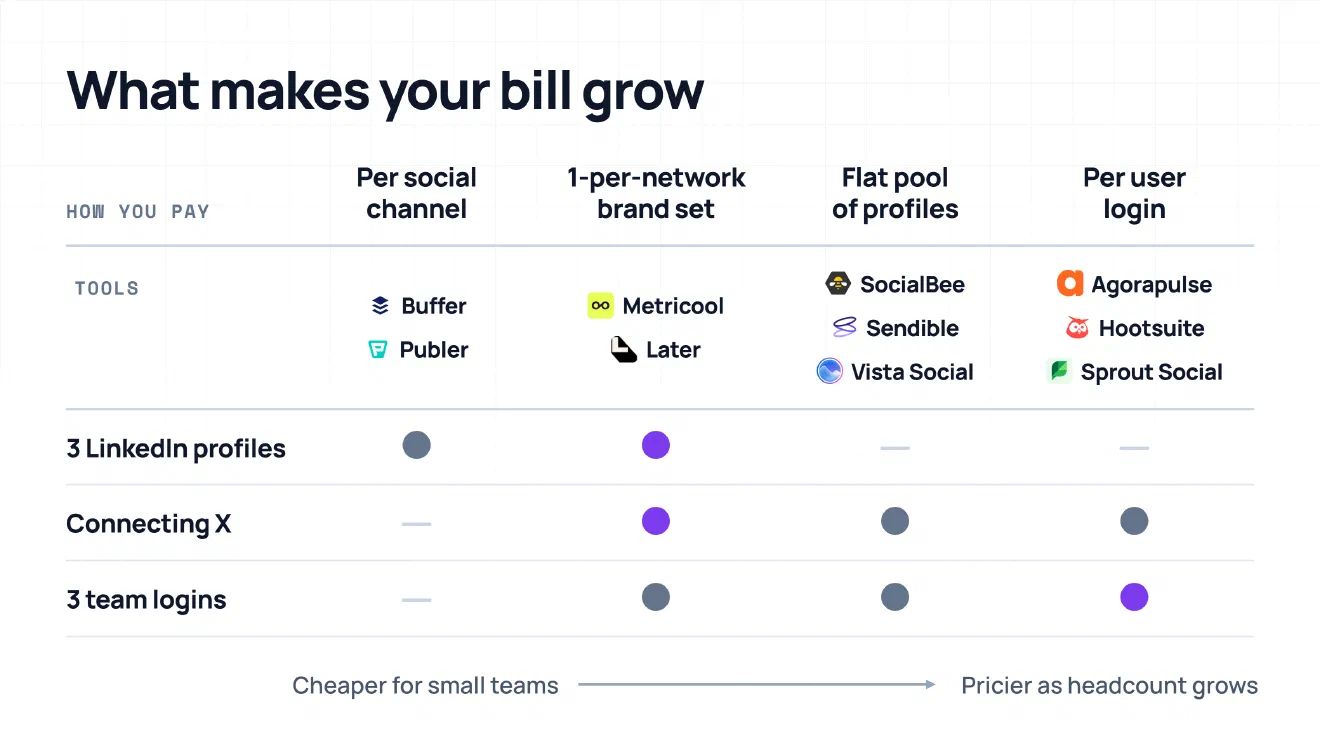
Connecting an X (formerly Twitter) account can also add to your monthly bill. Ever since X increased the fees it charges software companies to connect to its platform, scheduling tools have handled X in four different ways:
- Buffer, Publer, SocialBee, Hootsuite, and Sprout Social still include X publishing as part of their regular plans at no extra cost.
- Sendible lets you schedule and publish posts to X for free, but it removed X analytics, inbox messages, and keyword monitoring in late 2023 to avoid passing extra platform fees on to customers.
- Metricool ($10 a month), Vista Social ($29 a month), and Agorapulse ($29 for X Lite publishing, or $69 for X Plus with inbox and reporting) charge an extra monthly fee for every X account you connect.
- Later removed support for X altogether on 28 August 2025.
The 10 social media automation tools #
1. Buffer #
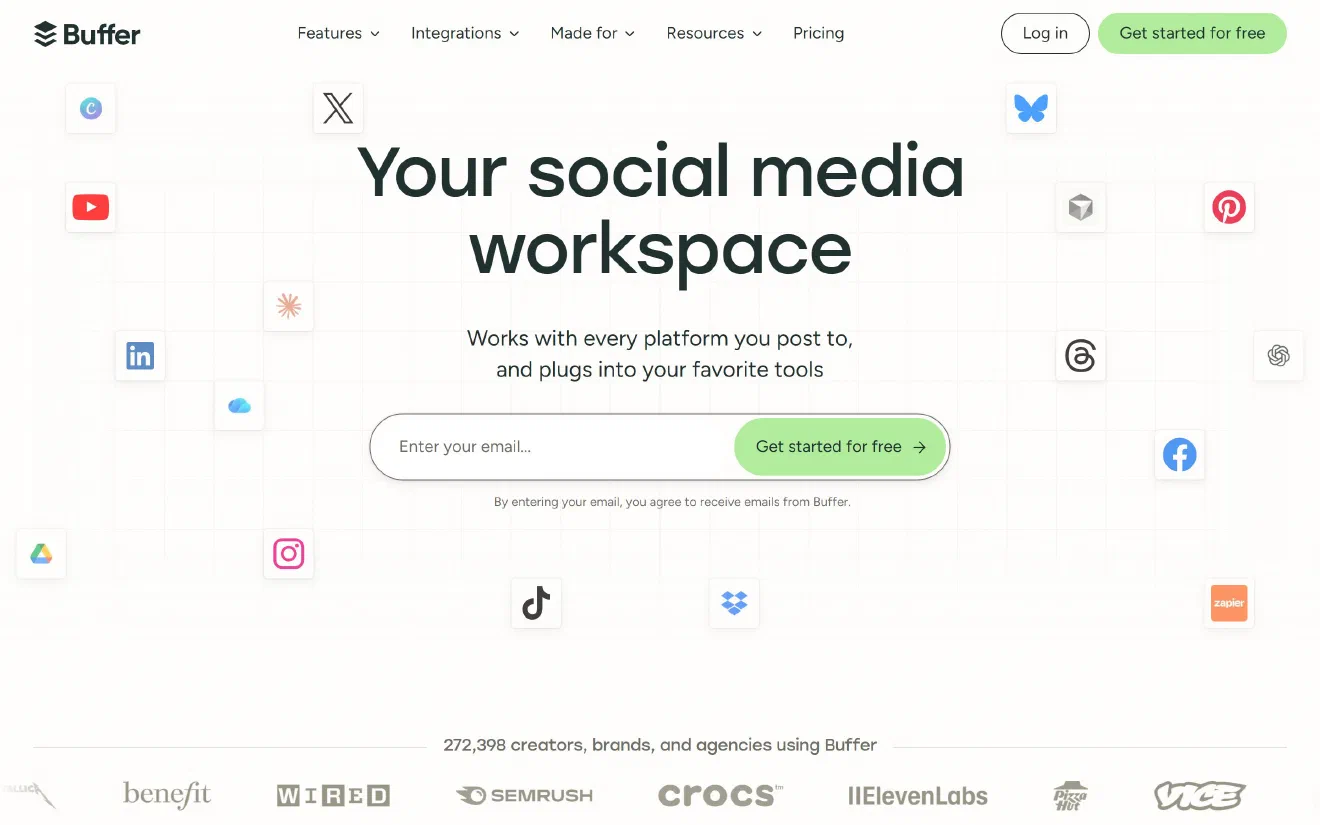
Buffer is one of the easiest scheduling tools to use, and its pricing is very straightforward. You simply pay for the number of social channels you connect. The Free plan lets you connect up to 3 channels and schedule up to 10 posts per channel at a time. The Essentials plan costs $6 a month per channel for a single user. If you are working with a team, the Team plan costs $12 a month per channel ($10 per channel if billed annually) and includes unlimited team members as well as draft approval workflows.
If your 3-person team manages 3 social accounts on the Team plan, you will pay $36 a month. When you scale up to 8 social accounts with 3 team members, the Team plan comes to $96 a month (8 channels at $12 each), with no extra charges for X or for adding more teammates. Buffer supports LinkedIn (both company pages and personal profiles), X, Instagram, Facebook, TikTok, YouTube Shorts, Pinterest, Threads, Bluesky, and Mastodon. Because it added support for newer networks like Bluesky, Threads, and Mastodon early on, it has become a popular choice for software and tech teams.
Buffer keeps its feature set simple rather than packing in complex automation. For example, it does not have an automated evergreen queue that recycles old posts on a loop. Once a scheduled post goes live, it leaves your queue, although you can manually duplicate any past post if you want to share it again. You can connect RSS feeds to turn new blog articles into draft posts, and you can schedule first comments on Instagram and LinkedIn, but its comment inbox only works with Facebook and Instagram. If you want a reliable, uncluttered tool that your whole team can use without paying per user, Buffer is a great place to start.
- Pros: simple per-channel pricing, unlimited users on the Team plan, and support for Bluesky, Threads, and X with no add-on fee.
- Cons: no automated evergreen post recycling, and the comment inbox only covers Facebook and Instagram.
- Pricing: free for 3 channels, then $6 or $12 a month per channel on Essentials or Team.
2. Publer #
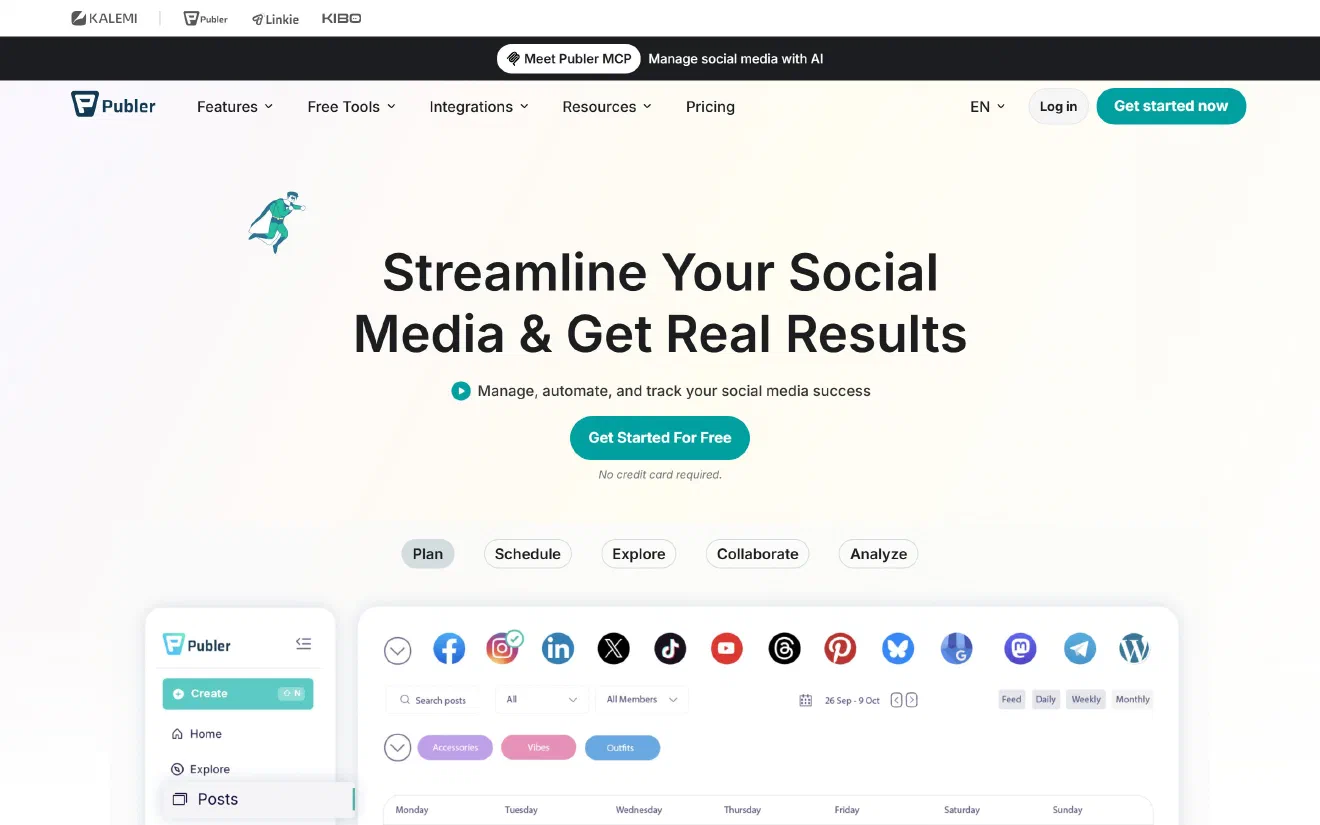
Publer also charges based on the number of accounts and users you need, and it works out to be one of the most affordable tools for teams of almost any size. The Professional plan starts at $5 a month for 1 social account and 1 user, and then adds $4 for each additional account and $2 for each additional team member (with every tenth account or user included for free). The Business plan starts at $10 a month, adding $7 for each extra account and $2 for each extra user. Upgrading to Business gives you automated post recycling, recurring posts, RSS auto-posting, team approval workflows, and access to the Publer API.
For a small setup of 3 social accounts and 3 team members, the Professional plan costs just $17 a month, and the Business plan costs $28 a month. When you scale up to 8 social accounts with 3 team members, the Professional plan comes to $37 a month ($5 base price, $28 for the 7 extra accounts, and $4 for the 2 extra users). If your team needs approval workflows and evergreen post recycling for those 8 accounts, the Business plan costs $63 a month. Both plans include X publishing at no extra charge, along with support for LinkedIn pages and personal profiles, Instagram, Facebook, TikTok, YouTube, Pinterest, Threads, Bluesky, Mastodon, Telegram, and Google Business Profile.
Publer includes many practical publishing features that simpler tools leave out. You can upload and schedule up to 500 posts at once using a CSV file, add automatic watermarks to your images and videos, shorten links automatically, and schedule first comments across Instagram, Facebook, LinkedIn, X, and YouTube. You can even set rules to automatically share or delete a post after a certain number of hours. Its main limitation is community management, because Publer focuses on publishing rather than providing a unified inbox to reply to direct messages and customer support queries.
- Pros: lowest monthly cost for both 3 accounts ($17 to $28) and 8 accounts ($37 to $63) with 3 users, $2 extra user seats, X and Bluesky included, and built-in evergreen recycling and bulk scheduling.
- Cons: no unified inbox for direct messages, and analytics reports are only available on the Business plan.
- Pricing: free for 3 accounts (excluding X), then from $5 a month on Professional (+$4 per account, +$2 per user) and $10 on Business (+$7 per account, +$2 per user).
3. SocialBee #
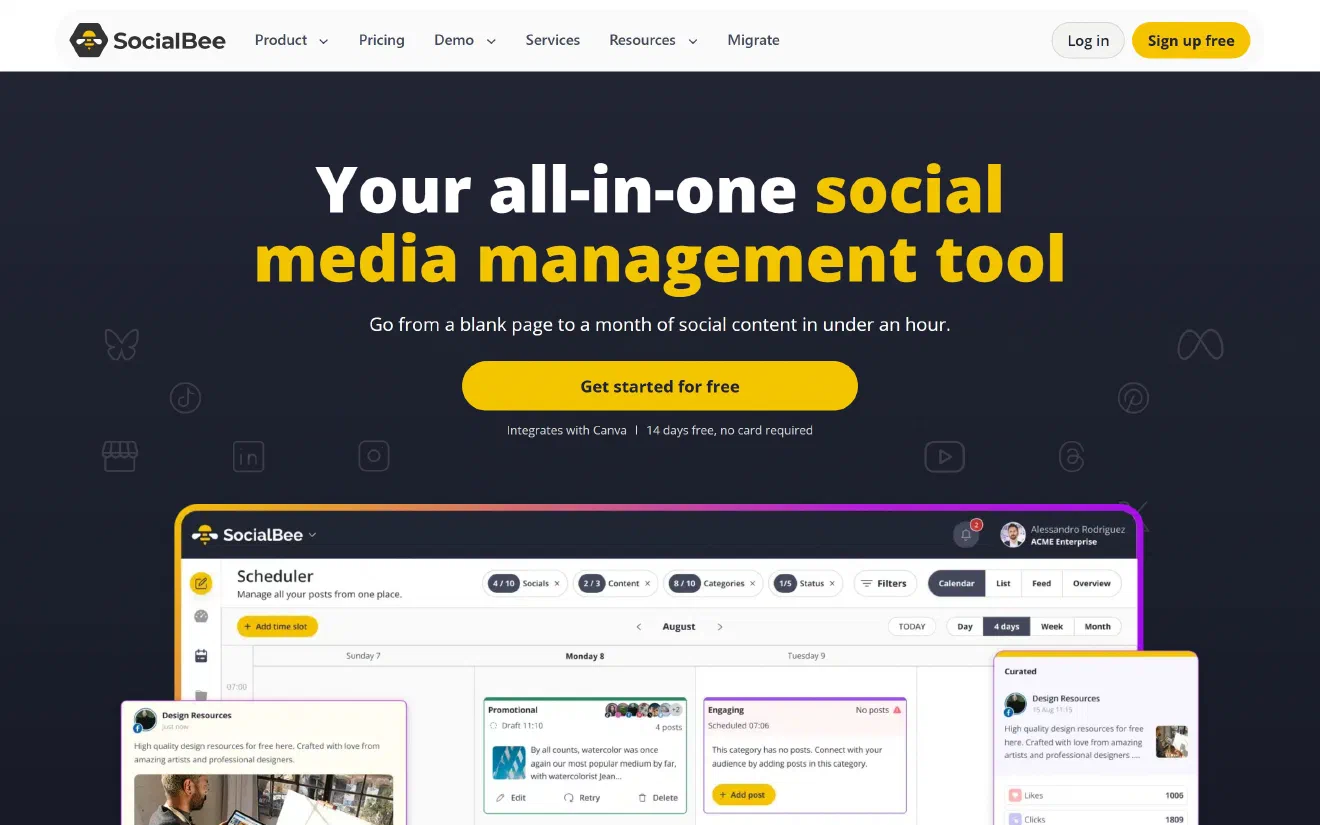
SocialBee is designed around category-based queues that keep your best content circulating automatically. Instead of choosing a specific date and time for every individual post, you organize your posts into folders or categories, such as blog articles, product updates, customer quotes, and industry news. You then set up a weekly schedule for when each category should go out. SocialBee publishes posts from each folder in order, and if you mark a category as evergreen, it places each published post back at the bottom of the list so it can be shared again later. To keep your feeds from looking repetitive, you can attach several different captions and images to the same post so a new variation goes out each time, or set posts to expire after a certain date or number of shares.
Each pricing plan gives you a pool of social profiles that you can distribute across any platforms you like. The Bootstrap plan costs $29 a month for 5 profiles and 1 user, while the Accelerate plan costs $49 a month for 10 profiles and 1 user. The Pro25 plan costs $99 a month and includes 25 profiles, 3 users, and 5 separate workspaces. On the Bootstrap and Accelerate plans, you can add extra team members for $10 a month each. This means a 3-person team managing 3 accounts fits on the Bootstrap plan with two extra users for $49 a month, while an 8-account setup fits on the Accelerate plan with two extra users for $69 a month (or on Pro25 at $99 a month for 25 profiles and 5 workspaces). X, LinkedIn, Instagram, TikTok, YouTube, Threads, and Bluesky are all included without any extra platform fees.
Users on review sites like G2 often praise SocialBee for its helpful customer support and the amount of time it saves once everything is running. The most common complaint is that setting up your categories and weekly schedules takes more time and effort at the beginning compared to simply dropping posts onto a standard calendar.
- Pros: strong evergreen category queues and post variations, flexible profile limits, X and Bluesky included, and affordable $10 user add-ons.
- Cons: takes longer to set up than a simple calendar, and its social inbox is basic compared to Agorapulse or Sprout Social.
- Pricing: $29, $49, or $99 a month for 5, 10, or 25 profiles; extra users cost $10 a month each.
4. Metricool #
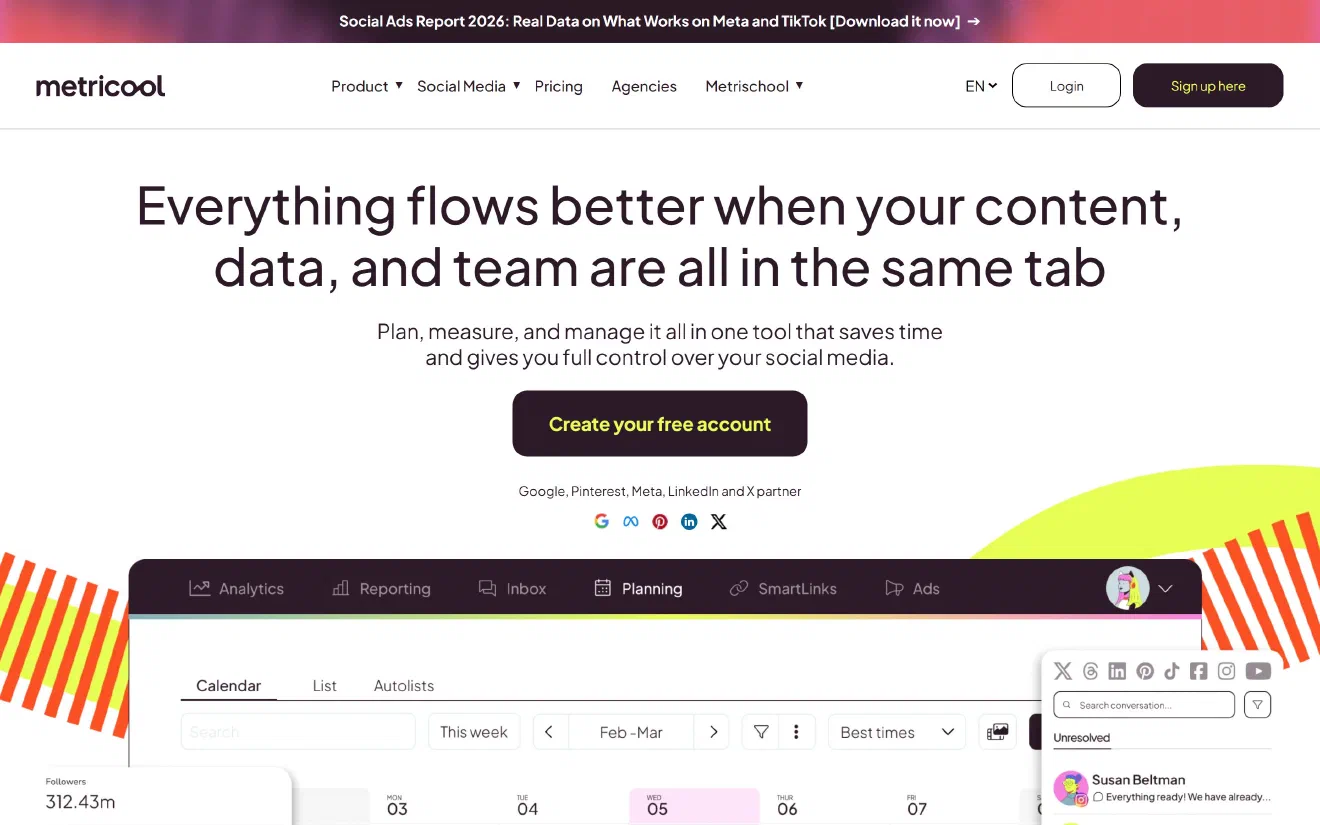
Metricool brings together content scheduling, a unified social inbox, competitor tracking, paid ad reporting (for Google Ads, Meta Ads, and TikTok Ads), and a Looker Studio integration under a single subscription. It structures its plans around “Brands.” A single Brand lets you connect one account from each supported social network, such as one LinkedIn account, one Instagram account, one TikTok account, one YouTube channel, one Threads profile, and one Bluesky account.
The Starter plan begins at $25 a month for up to 5 or 10 Brands, but it only allows a single login and does not include team approval features. To invite 3 team members and set up user permissions, you need to move up to the Advanced plan, which costs $67 a month ($53 a month if billed annually) and includes up to 15 Brands. If your team manages 3 LinkedIn accounts (such as a company page and two personal founder profiles), you will need to place them into 3 separate Brands inside Metricool because each Brand can only hold one LinkedIn connection. Since the Advanced plan includes 15 Brands, you have plenty of room for this. However, Metricool charges an extra $10 a month for each connected X account, which brings the total monthly cost for a 3-person team with X to $77 a month.
When it comes to automation, Metricool offers a feature called Autolists that works much like SocialBee’s recurring queues. You can add posts manually, upload them from a CSV file, or pull them automatically from an RSS feed, and set the list to repeat on a loop. Its social inbox also gathers comments and direct messages from Instagram, Facebook, TikTok, YouTube, LinkedIn, and Google Business Profile into one place. Metricool is a strong choice if you want detailed analytics, Looker Studio reports, and automated recurring lists for under $80 a month, provided you do not mind managing multiple LinkedIn profiles across separate Brand workspaces.
- Pros: Autolists for recurring post queues, detailed analytics with Looker Studio on the Advanced plan, unified inbox across 6+ networks, and a generous free plan (excluding LinkedIn and X).
- Cons: allowing only 1 account per network inside each Brand splits multiple LinkedIn profiles across separate workspaces, and X costs an extra $10 a month per account.
- Pricing: free for 1 Brand (no LinkedIn or X), Starter from $25 a month (1 user), Advanced from $67 a month for 15 Brands and team access, plus $10 a month per X account.
5. Sendible #
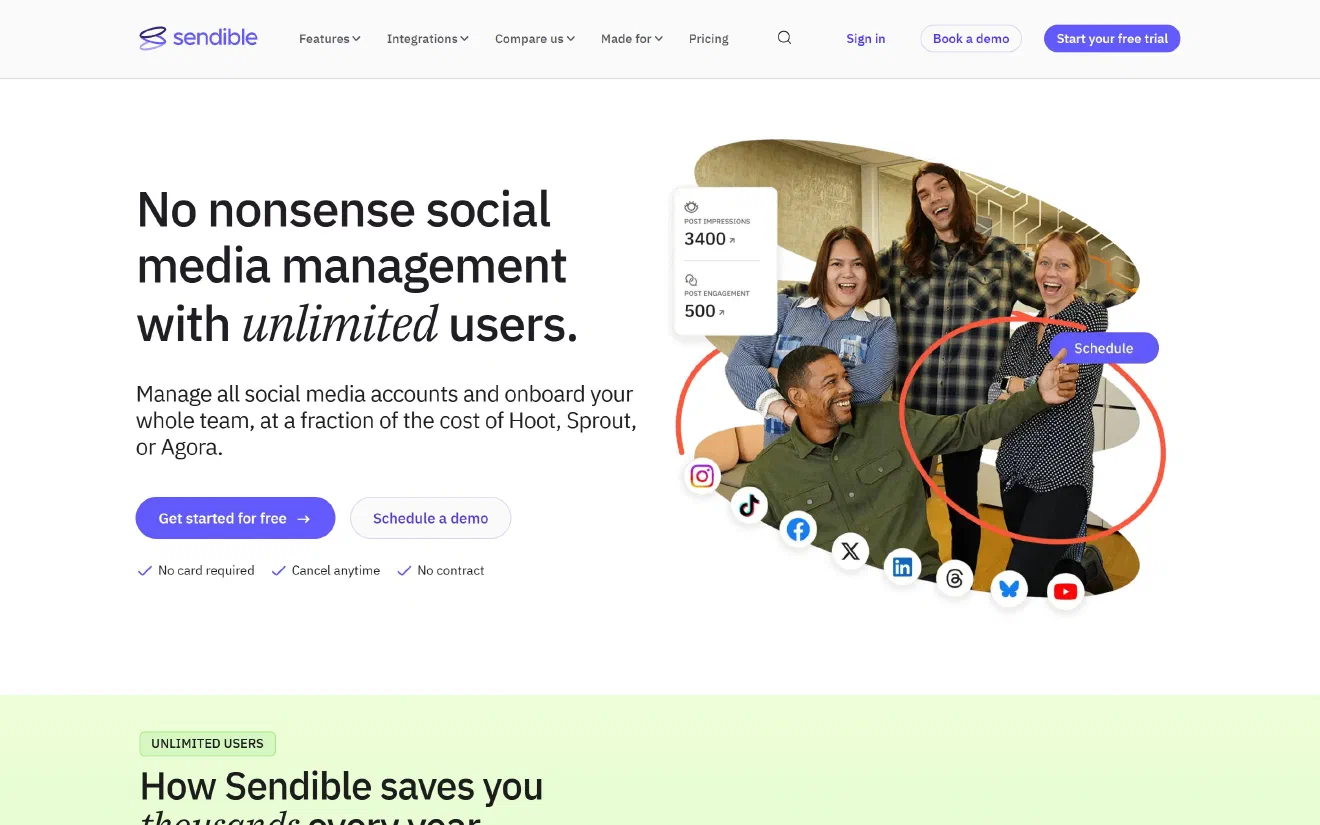
Sendible recently updated its pricing in a way that makes it much more attractive for growing teams: every plan now comes with unlimited users. Instead of charging you for each person who logs in, Sendible charges based on the number of workspaces and total social profiles you need. The Core plan costs $35 a month and includes 1 workspace with up to 6 social profiles. The Plus plan costs $99 a month for 3 workspaces and 18 profiles, while the Premium plan costs $199 a month for 7 workspaces and 42 profiles.
If your 3-person team manages 3 to 6 social accounts, the $35 Core plan covers everyone with no extra user fees. If you need to connect 8 social accounts, you can either add a second workspace to the Core plan for another $35 a month (giving you 12 profiles for $70 a month in total) or upgrade to the Plus plan at $99 a month for 18 profiles. In both cases, all 3 team members get full access at no additional cost.
Sendible includes Smart Queues that automatically recycle evergreen posts, RSS feed auto-posting, bulk CSV imports, automatic UTM tracking tags, and client dashboards where external clients or managers can review and approve posts without needing a full account login. The main limitation to keep in mind involves X. While Sendible lets you schedule and publish posts to X at no extra cost, it removed X analytics, inbox monitoring, and keyword tracking when X increased its API pricing. If you only need to publish posts to X while managing your comments and reports on LinkedIn, Instagram, Facebook, TikTok, and YouTube, Sendible is a very dependable option for teams and agencies.
- Pros: unlimited users on every plan, Smart Queues for recycling evergreen posts, RSS auto-posting, and easy client approval links.
- Cons: X support is limited to publishing only (no X analytics or inbox), and there is no support for Bluesky yet.
- Pricing: $35, $99, $199, or $299 a month for 6, 18, 42, or 90 profiles, all with unlimited users.
6. Vista Social #
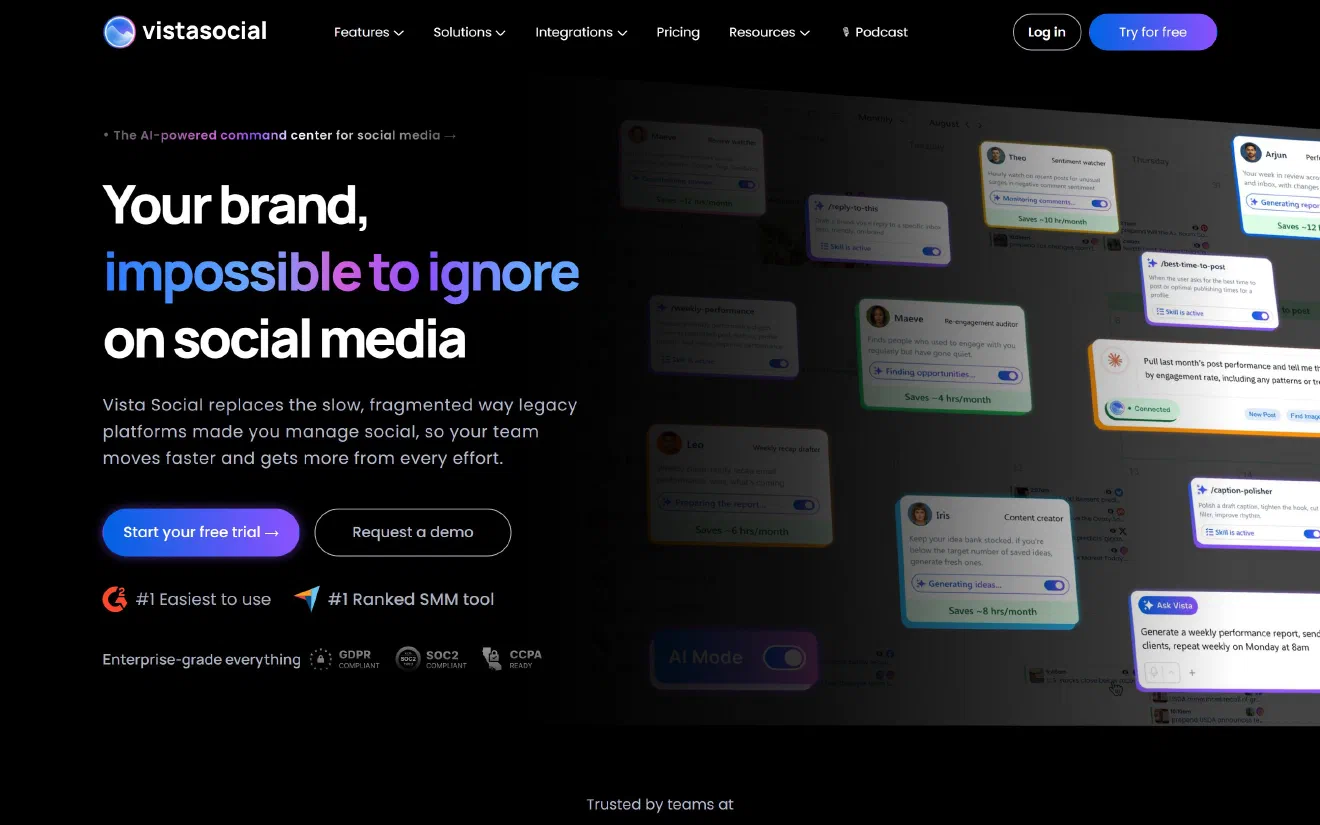
Vista Social started out as a low-cost tool that charged per profile, but it has since moved to fixed-price tiers aimed at larger teams. Today, the Professional plan costs $99 a month ($79 a month when billed annually) and includes 15 social profiles and 2 users. The Advanced plan costs $199 a month ($159 a month billed annually) for 30 profiles and 3 users, while the Scale plan costs $449 a month for 70 profiles and 4 users.
Because the Professional plan only allows 2 users, a 3-person team has to upgrade to the Advanced plan at $199 a month whether they manage 3 social accounts or 8. On top of that, Vista Social charges a mandatory $29 a month add-on fee to connect an X account. Together, that brings the monthly cost for a 3-person team using X to $228 a month.
In return for that higher price, Vista Social offers one of the most complete sets of features available without signing an enterprise contract. It supports LinkedIn, Instagram, Facebook, TikTok, YouTube, Pinterest, Threads, Bluesky, Reddit, Snapchat, Tumblr, and Google Business Profile, and it even lets you manage customer reviews on Google, Yelp, TripAdvisor, and Trustpilot. You can schedule first comments on Instagram, Facebook, LinkedIn, YouTube, and TikTok, set up evergreen queues, and publish automatically from RSS feeds. It also includes built-in Instagram and Facebook direct message automation, so you can automatically send a message with a link whenever someone comments a specific keyword on your post, saving you the cost of a separate tool like ManyChat.
- Pros: built-in comment-to-DM automation, Reddit and Bluesky support, first-comment scheduling on 5 networks, and a unified inbox that includes review sites.
- Cons: having 3 team members pushes you from the $99 plan to the $199 Advanced plan, and connecting X costs an extra $29 a month.
- Pricing: $99, $199, or $449 a month for 15, 30, or 70 profiles and 2, 3, or 4 users, plus $29 a month for X.
7. Later #
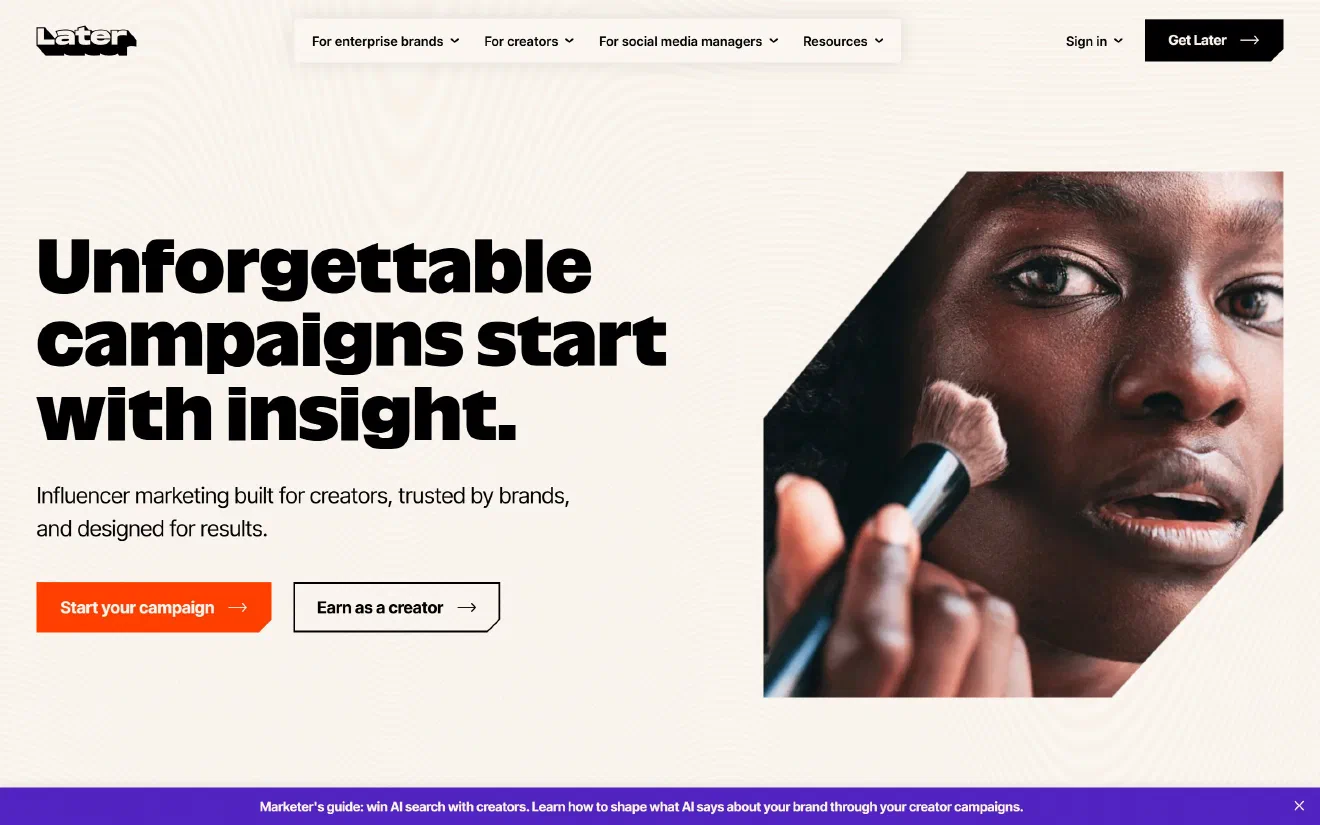
Later began as a visual scheduling tool for Instagram, and that background still shapes what it does best today. It organizes accounts into “Social Sets,” where each set includes one account per supported platform (Instagram, Facebook, LinkedIn, TikTok, YouTube, Pinterest, Threads, and Snapchat), and it also limits the number of users per plan. The Starter plan costs $25 a month for 1 Social Set and 1 user, with a limit of 30 posts per profile each month. The Growth plan costs $50 a month for 2 Social Sets and 2 users (up to 150 posts per profile), and lets you add extra Social Sets for $15 a month and extra users for $5 a month. The Scale plan costs $110 a month for 6 Social Sets, 4 users, and unlimited monthly posts.
The biggest drawback for many teams is that Later stopped supporting X (Twitter) completely on 28 August 2025. If your team posts on X, you will have to use another tool alongside it. For your other channels, if your 3-person team connects 3 accounts on different networks (such as Instagram, TikTok, and LinkedIn), you can use the Growth plan with 1 extra user for $55 a month. If you need to connect 3 separate LinkedIn profiles as part of an 8-account setup, you will need 3 Social Sets, which brings the Growth plan (with 1 extra Social Set at $15 and 1 extra user at $5) to $70 a month, or $110 a month on the Scale plan for unlimited posting.
Later also does not offer evergreen post recycling or automatic RSS feed posting. Instead, its strengths lie in visual content planning for Instagram and TikTok, finding creators for influencer campaigns, building Linkin.bio landing pages, and organizing photo and video libraries. It is best suited for visual consumer brands that focus heavily on Instagram, TikTok, and YouTube and have no need for X.
- Pros: visual Instagram grid preview, Linkin.bio landing pages included, and affordable $5 extra user add-ons on the Growth plan.
- Cons: no X (Twitter) support at all, only 1 account per network inside each Social Set, monthly post limits on Starter and Growth, and no evergreen recycling or RSS auto-posting.
- Pricing: $25, $50, or $110 a month for 1, 2, or 6 Social Sets and 1, 2, or 4 users.
8. Agorapulse #
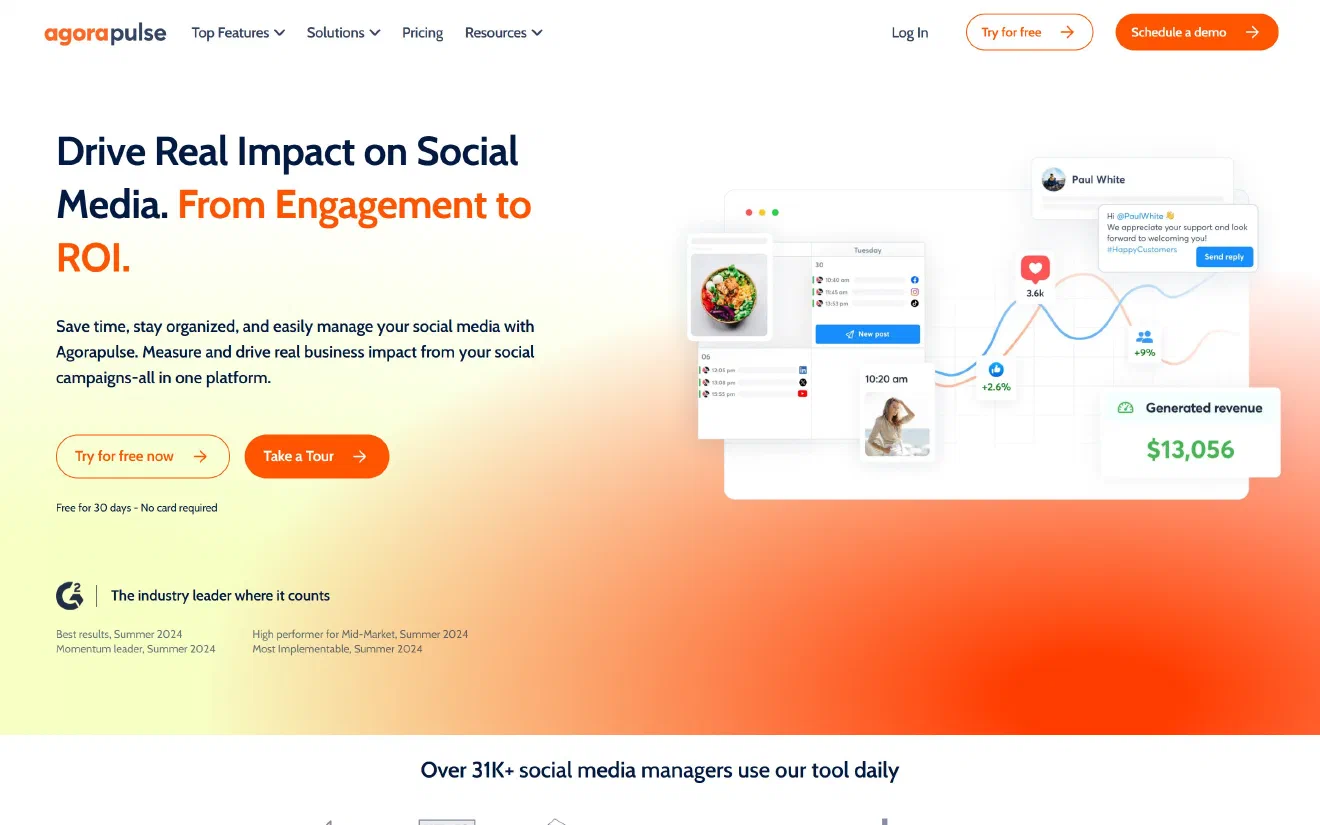
Agorapulse is the first tool on this list that charges per user seat, and it is built for mid-sized teams that spend a large part of their day replying to comments and messages. Every plan includes 10 shared social profiles and charges for each person who needs a login. The Standard plan costs $99 a month per user ($79 per user billed annually). The Professional plan costs $149 a month per user ($119 billed annually) and adds team approval workflows, shared publishing calendars, and the ability to assign inbox messages to specific teammates. The Advanced plan costs $199 a month per user ($149 billed annually) and includes automated inbox moderation rules, bulk publishing, shared evergreen queues, and Google Analytics revenue reports.
For a 3-person team that needs post approval workflows, you will need 3 user seats on the Professional plan, which comes to $447 a month whether you connect 3 social profiles or 8. Agorapulse also charges an extra monthly fee for each connected X account: $29 a month for X Lite (which only covers publishing) or $69 a month for X Plus (which adds inbox management and reporting). That brings the total monthly cost for a 3-person team with one X account to $476 a month with X Lite, or $516 a month with X Plus.
Larger teams pay this higher price primarily for the Social Inbox and return-on-investment reporting. Agorapulse collects regular post comments, paid ad comments (from Meta and TikTok ads), brand mentions, and direct messages into a single inbox. It also shows live alerts when another teammate is viewing or typing a reply to a message so two people never answer the same customer twice. On the Advanced plan, you can set up automatic rules to hide, delete, tag, or assign incoming messages based on specific keywords, and track which scheduled posts actually brought visitors, leads, and sales in Google Analytics 4.
- Pros: excellent social inbox with ad comment moderation, Google Analytics 4 traffic and revenue tracking, evergreen queues, and first-comment scheduling.
- Cons: per-user pricing ($149 per user on Professional) plus $29 or $69 a month for each X account brings a 3-person team setup to $476 to $516 a month.
- Pricing: $99, $149, or $199 a month per user (with 10 shared profiles), plus $29 or $69 a month per X profile.
9. Hootsuite #
Hootsuite is the longest-running platform in this space, and its pricing is now geared toward mid-sized and large organizations. On month-to-month billing, the Standard plan costs around $199 a month per user ($99 per user if you pay annually) and covers up to 10 social accounts. The Advanced plan costs around $399 a month per user ($249 per user billed annually) and supports unlimited social accounts, custom post approval workflows, automated message routing in the inbox, and bulk scheduling for up to 350 posts at a time.
For a team of 3 people, the Standard plan comes to roughly $597 a month. If your team requires formal approval steps before posts go live, moving to the Advanced plan brings the monthly bill to about $1,197 ($747 a month on an annual contract). Unlike Agorapulse and Vista Social, Hootsuite includes full X support in its standard plans without charging an extra add-on fee.
Hootsuite’s biggest advantage is its wide range of integrations. Its app directory connects with more than 150 business tools, including Salesforce, HubSpot, Slack, Microsoft Teams, and Asana. It also includes OwlyWriter AI to help write captions and repurpose your best-performing posts, along with basic social listening and automated direct message replies. On the downside, reviewers on G2 and Reddit frequently mention steep price increases at renewal time, pressure to sign annual contracts, and a dashboard that can feel slower and more crowded than newer tools like Buffer or Publer.
- Pros: X support included at no extra fee, over 150 enterprise app integrations, and social listening and inbox routing on the Advanced plan.
- Cons: high monthly cost ($199 to $399 per user on monthly billing), no evergreen category queues, and post approval workflows require the expensive Advanced tier.
- Pricing: around $199 or $399 a month per user on Standard or Advanced ($99 or $249 per user billed annually), with custom Enterprise pricing.
10. Sprout Social #
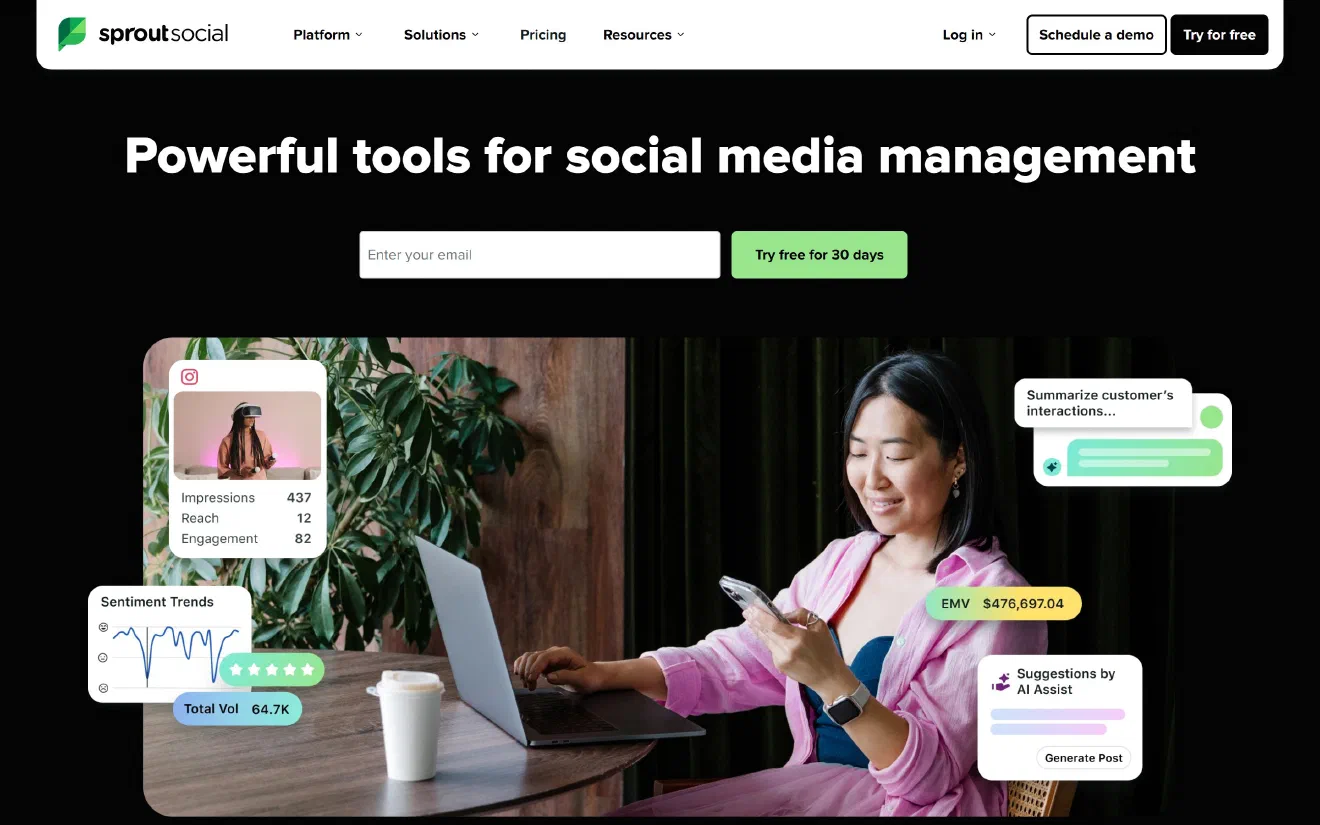
Sprout Social is designed for large corporate social media teams, customer support departments, and companies in regulated industries. Every plan is priced per user seat. The Standard plan costs $249 a month per seat ($199 per seat billed annually), though it limits your entire account to just 5 social profiles and does not include post approval workflows. The Professional plan costs $399 a month per seat ($299 billed annually) and removes the limit on social profiles while adding custom approval workflows, competitor reports, and ViralPost scheduling for optimal send times. The Advanced plan costs $499 a month per seat ($399 billed annually) and adds automated inbox rules, a chatbot builder for direct messages, and sentiment analysis.
If your 3-person team only manages 3 social accounts and does not need formal approval workflows, 3 seats on the Standard plan cost $747 a month. However, if you need approval workflows or manage 8 social accounts, you must move up to the Professional plan, where 3 user seats cost $1,197 a month on monthly billing ($897 a month with an annual contract). X publishing, inbox management, and reporting are all included in the base seat price.
Companies pay $1,197 a month for Sprout Social because of how reliably it handles large teams and customer care workflows. Its Smart Inbox connects directly with Salesforce Service Cloud, Zendesk, and HubSpot, allowing a customer complaint on X or Instagram to be turned into a tracked support ticket right away. Its analytics reports are clean enough to present directly to executives without extra formatting, and its permission settings let large organizations control exactly who can draft, approve, and publish posts across different regions or brands. For a 3-person team at a smaller company, however, you will be paying roughly 15 times more than you would on SocialBee or Metricool for enterprise features you may never use.
- Pros: unlimited social profiles on the Professional plan and above, Smart Inbox with Zendesk and Salesforce ticket integration, presentation-ready executive reports, and X support included.
- Cons: $399 per seat each month ($1,197 for 3 users on Professional), the Standard plan is capped at 5 profiles, and Social Listening and Employee Advocacy require expensive add-ons.
- Pricing: $249, $399, or $499 a month per seat on Standard, Professional, or Advanced ($199, $299, or $399 billed annually).
Also worth a look #
Five other specialized tools did not make the main list because they focus on one specific part of social media rather than acting as an all-in-one platform, though they may be a better fit if they solve your exact problem. Typefully ($19 a month on Creator, $49 on Team) offers a clean writing and thread-scheduling experience for X, LinkedIn, Threads, and Bluesky, and can automatically post a follow-up comment with your link once a post reaches a set number of likes. Taplio ($39 to $199 a month) is built exclusively for LinkedIn personal brands and founder-led sales, combining post scheduling with a searchable library of high-performing LinkedIn posts and tools to build lead lists from people who interact with your content. Planable ($39 a month for 4 pages, $59 for 10 pages, with unlimited users) is great for creative agencies that need a smoother way to get client sign-off, showing every draft as a realistic feed preview with side-by-side comments and multi-step approvals. Loomly ($65 a month for 12 accounts and 3 users on monthly billing, or $49 billed annually) gives small marketing teams a shared calendar with approval alerts sent straight to Slack and Microsoft Teams. Finally, FeedHive ($19 to $99 a month) helps creators set up automated follow-up comments that trigger when a new post performs well in its first hour.
Test and choose the best tool for your team #
To choose the right platform for your team, start by picking two tools from this list that match your monthly budget and the way your team works every day:
- If you want to keep your monthly bill under $100 for a 3-person team with X included, look closely at Publer ($17 to $28 for 3 accounts, or $37 to $63 for 8 accounts) for the lowest overall cost and bulk scheduling features, Buffer ($36 for 3 accounts, or $96 for 8 accounts) for the simplest calendar with unlimited users on the Team plan, SocialBee ($49 to $69) or Metricool ($77) for automated queues that reuse your evergreen posts, or Sendible ($35 for up to 6 accounts, or $70 to $99 for 8+ accounts) if you have a larger team that needs unlimited logins.
- If you want built-in Instagram comment-to-DM automation alongside review management for Google, Yelp, and Trustpilot, consider Vista Social ($228 a month for 3 users with X).
- If your team spends most of its time managing a busy social inbox, moderating comments on paid ads, and tracking revenue in Google Analytics, choose Agorapulse ($476 a month for 3 users with X Lite).
- If you are part of an enterprise organization that needs Salesforce or Zendesk ticket integration, strict permission controls, and unlimited social profiles, go with Sprout Social ($1,197 a month for 3 seats on Professional).
Every scheduling tool looks smooth and easy during a sales demo using sample data. You only discover the real limitations once you connect your own accounts, so it is worth testing your top two choices with one full week of real posts before cancelling your current subscription:
- Connect your most important accounts first, including a company LinkedIn page, a personal LinkedIn profile, an Instagram business account, and an X account. Check right away whether all of them fit inside a single workspace, or if connecting more than one LinkedIn account forces you to set up separate brand folders.
- Schedule a test post that includes a link in the first comment and tags another company page on LinkedIn and Instagram. Because each social network handles tags and comments differently through third-party tools, some schedulers drop personal profile tags or post the first comment several minutes late. Check the live post on your phone once it goes out to make sure everything looks right.
- Add 5 timeless posts into a recurring evergreen queue and connect your website’s RSS feed. Watch how the tool pulls in your blog post title, featured image, and tracking links when a new article goes live.
- Ask a teammate to edit a scheduled draft and mark it as approved. Make sure the tool locks the approved post or asks for re-approval if someone edits the text afterward.
- Calculate your true monthly cost by counting every social channel, every personal founder profile, any extra fee for X, and every team member who needs a login.
Keeping a consistent publishing schedule matters for one more reason today: your social media posts now help your brand get discovered outside of social apps too. When Ahrefs studied 75,000 brands across ChatGPT, Gemini, and Google AI Overviews, they found that brands mentioned frequently on YouTube and across the wider web were recommended much more often by AI search engines. Sharing product videos on YouTube, joining discussions on Reddit and X, and posting clear guides on LinkedIn puts useful information about your brand onto the exact pages that AI models read. Once your social media schedule is running smoothly, you can use Lumirank to see how often ChatGPT, Gemini, Perplexity, Copilot, and Google AI Overviews mention and cite your brand each day, starting with a free plan for up to 10 prompts.